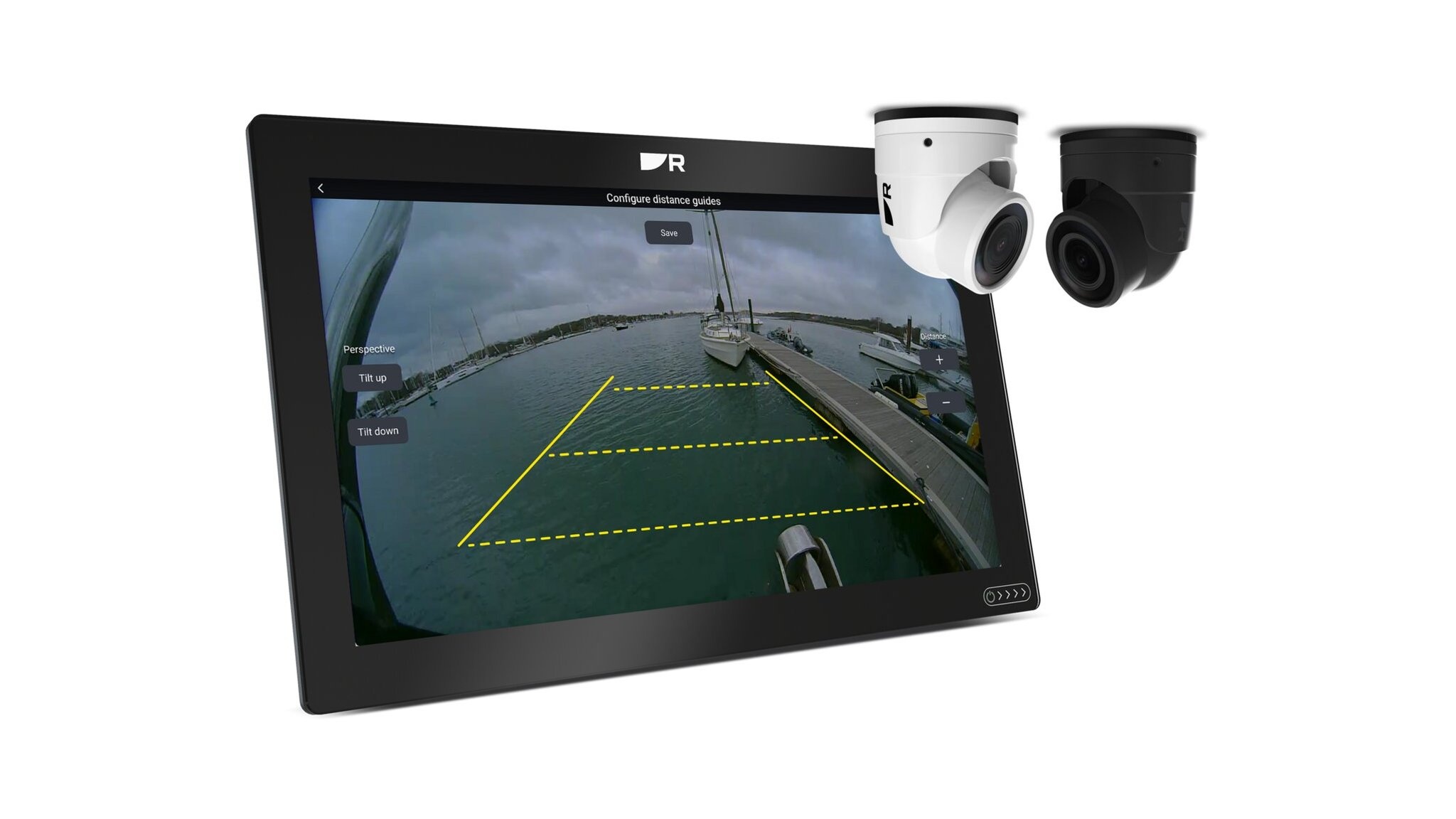
Raymarine has a new compact IP camera, the CAM400 (white, SKU E70716). It costs US$699.99, or US$1,449.99 bundled with the AR200 augmented reality sensor. There is a lot to like: a mount that properly locks the camera angle, and single-cable PoE straight into a RayNet network. It works with every Axiom. But read the documentation and the LightHouse 5 split shows up again: the docking feature that makes this camera interesting only works on Axiom 2.
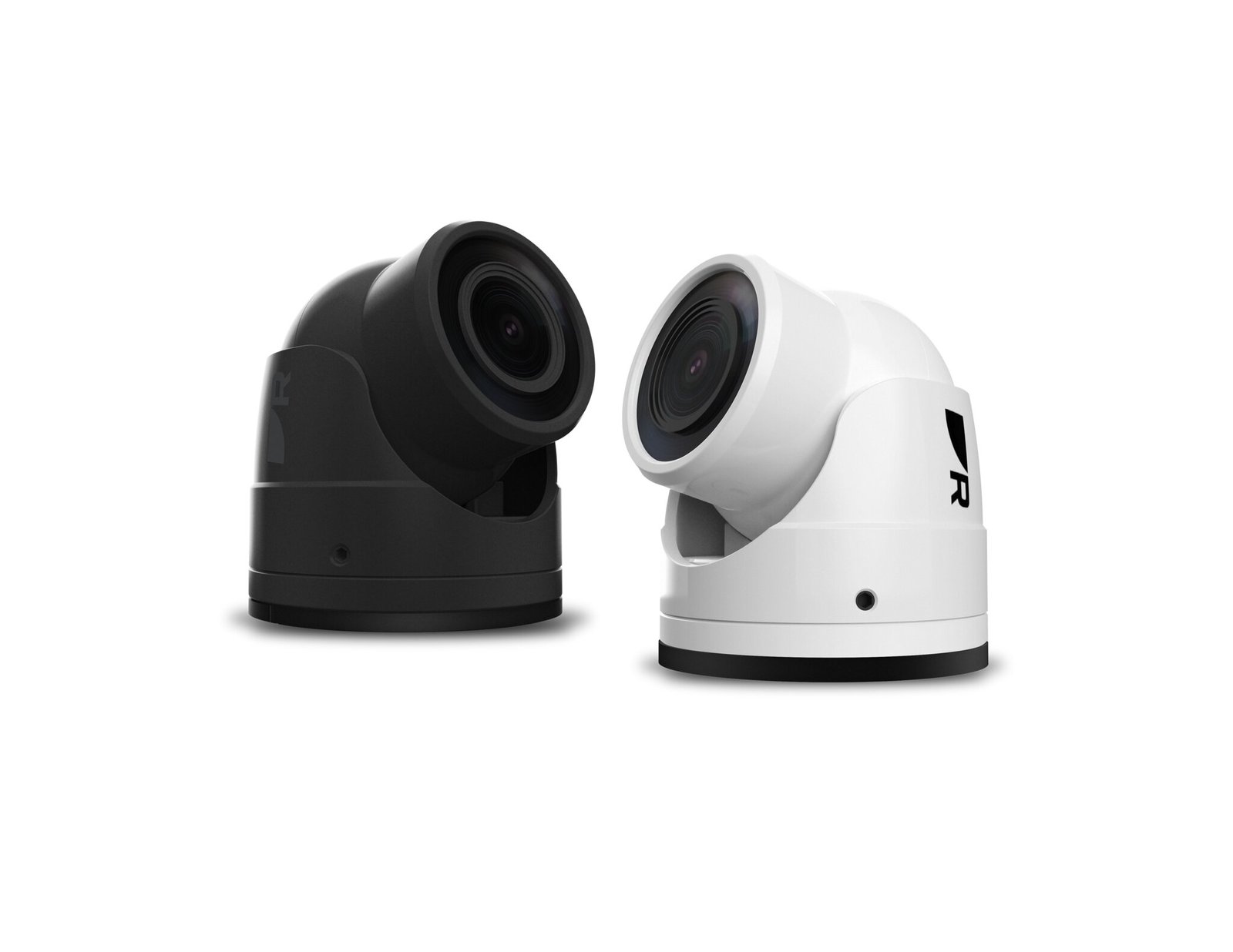
What the Raymarine CAM400 does
The CAM400 is a small day/night camera for the cockpit, swim platform, transom or engine room. Raymarine lists a 129.4° wide-angle lens, infrared illumination for night viewing out to about 10 m, an IPX6/IPX7 enclosure, and power from either PoE or 12 V DC. It plugs into the Axiom network and shows up in the Video app.
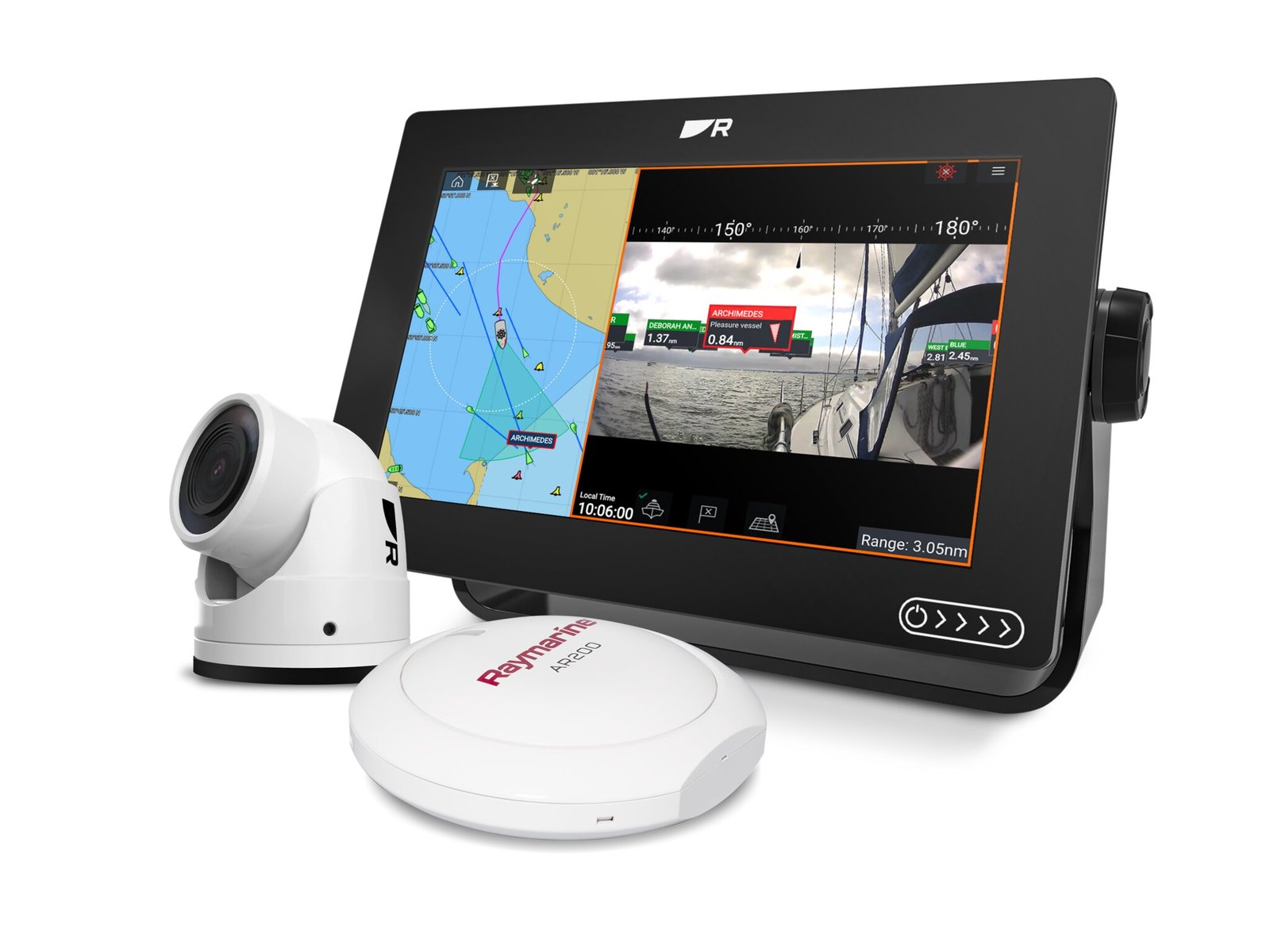
Pair it with an AR200 and you get ClearCruise augmented reality, with AIS targets, waypoints and chart objects drawn over the live picture.
CAM400 vs CAM300: what changed
| Raymarine CAM400 | Raymarine CAM300 | |
|---|---|---|
| Part numbers / colours | E70716 (white), E70717 (black); T70603 / T70604 with AR200 | E70660 (white only) |
| Sensor / resolution | 1/2.8″ CMOS, 2.07 MP, 1920 x 1080 max | 1/4″ CMOS, 3 MP, 2304 x 1296 max |
| Lens / field of view | 2.58 mm, 129.4° H / 69.9° V | 1.8 mm, 125° H / 70° V |
| Low light | 850 nm infrared, 10 m | 6 x 850 nm infrared, 10 m |
| Network connector | Fitted 1.47 m cable, RayNet (male) plug | Fitted 670 mm cable, RJ45 (male) plug; RayNet-to-RJ45 adapter needed for Raymarine displays |
| Power | PoE Class 2, IEEE 802.3af, 6.49 W max, from a PoE injector or switch; or 12 V DC | PoE Class 1, IEEE 802.3af, 1.8 W max, via a FLIR-branded PoE injector supplied by Raymarine; or 12 V DC |
| Angle locking | Collar fixed with 3 grub screws | Grub screws in the side of the base (number not stated) |
| Waterproof rating | IPx6 / IPx7 | IPx6 |
| Size / weight | 80.8 mm high, 64.5 mm wide; 0.390 kg | 52.9 mm high, 59.5 mm base; 0.420 kg |
| Raymarine displays | All Axiom on LightHouse 4.11.133+, Axiom 2 on LightHouse 5; older displays not supported | Axiom family on LightHouse 4; also eS, gS, a, c, e Series on LightHouse 2/3 with limited features |
| Distance guides | Axiom 2 on LightHouse 5 only | Not stated |
| Price | US$699.99 / £645 (white); black not yet priced, due early 2027 | US$699.99 |
On paper the CAM300 has more pixels (3 MP against 2.07 MP), and it works with far older Raymarine displays. But pixel count isn’t picture quality. The CAM400’s 1/2.8″ sensor is much larger than the CAM300’s 1/4″, so each pixel gathers more light, and in Marine-Review’s opinion that means a better picture, especially at dusk and in poor light. On top of that, the CAM400 adds a tougher IPx7 rating, a slightly wider lens, a native RayNet plug, a properly clamped mount and, on the right display, distance guides.
CAM400 compatibility: the catch
Every Axiom, Axiom+, Axiom Pro and Axiom XL needs LightHouse 4.11.133 or later to use the CAM400. Older Raymarine display generations are not supported at all.
The bigger catch is the distance guides: the on-screen lines that show how far the transom or bow is from the dock. Raymarine’s own compatibility page says chart-plotters running LightHouse 4 do not support them. You need an Axiom 2, Axiom 2 Pro or Axiom 2 XL running LightHouse 5.
CAM400 mount: finally a camera that stays where you point it
This is the CAM400 change we like most. On its predecessor, the CAM300, in our experience the angle screws often worked loose, and the only lasting fix was epoxy.
The CAM400 locks its angle with a three-screw collar. Raymarine’s installation instructions describe a collar that secures the camera ball to the base: “Insert the supplied grub screws into the camera collar, then tighten them evenly using the supplied hex wrench (Allen key) until secure.” The parts list includes “3x grub screws” and a 2 mm hex key. To re-aim it, you “loosen the 3 x grub screws a couple of turns” and tighten them again. Three screws clamping a collar should be a much more secure mount than the CAM300 mount it replaces.
CAM400 installation: PoE yes, RayNet plug no
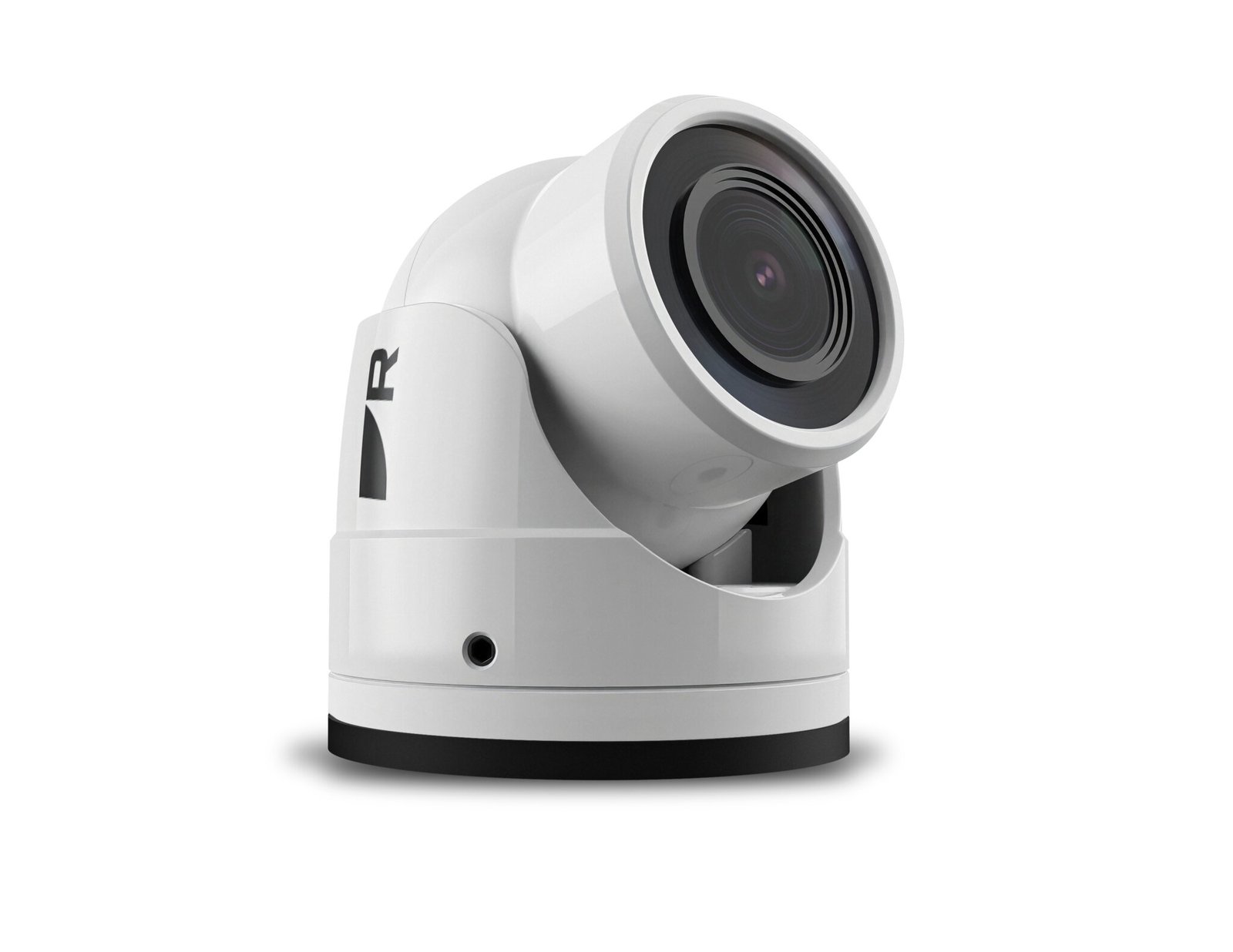
Pro: one plug, PoE. The CAM400’s fitted 1.47 m cable ends in a RayNet plug plus 12 V wires, and Raymarine says “a single network connection carries both data signals and power”. No injector comes in the box. The CAM300 needed a separate FLIR-branded PoE injector supplied by Raymarine (FLIR and Raymarine are both Teledyne companies). It also had an RJ45 plug, so it needed a RayNet-to-RJ45 adapter cable to connect to a Raymarine display. The CAM400 plugs straight into RayNet. It is an IEEE 802.3af Class 2 device (6.49 W listed on the spec page), powered from “a PoE Injector or a PoE network switch” over CAT 6 cable. You still need that injector or PoE switch: Raymarine’s example system uses an RNS-8 switch between the camera and the Axiom. If you don’t use PoE, the 12 V wires are the alternative.
Con: the RayNet connector. The camera end is a male RayNet plug, Raymarine’s own large locking Ethernet connector. In our experience RayNet plugs are a pain to get through a sailboat mast, so a masthead or spreader install needs careful planning. Raymarine sells RayNet-to-RJ45 and RayNet-to-RJ45 (SeaTalk HS) adapter cables, but we found no official field-terminable RayNet connector or smaller-plug version of the CAM400 cable. In practice you either pull the RayNet plug through, or cut and re-terminate the cable yourself, which may affect your warranty.
RayNet is also not an NMEA OneNet connector. For exposed locations, OneNet specifies an IP67-rated, X-coded M12 Ethernet connector, with standard RJ45 allowed in protected spaces. NMEA’s OneNet page does not mention RayNet, and in our view a camera launched in 2026 should not need a proprietary plug. But Raymarine is not alone. Prominent NMEA Org members Navico and Garmin don’t support OneNet either.
Our take: LightHouse 5 “wins” again
Distance guides are lines drawn over a video picture. In our opinion that is not a technical limit of first-generation Axiom hardware, which already draws AR overlays on the same video. It is a choice, and it fits Raymarine’s plan that new features land on LightHouse 5 only. We covered that plan in our LightHouse 5 article.
We see the result on our own mixed test fleet. Across our two test boats we run an Axiom 2 Pro 12″, an Axiom+ 9″ and an Axiom 7″. Fit a CAM400 and the same camera gives you docking guides on one screen and not on the other two. That is not good enough for owners who paid for a current Axiom a few years ago.
Should you buy the Raymarine CAM400?
If you have an Axiom 2 on LightHouse 5, the CAM400 looks a strong, simple camera at a expensive but maybe reasonable price. The three-screw mount, IPx7 rating and native RayNet PoE plug are real improvements over the CAM300. But the RayNet connector should have been OneNet. On a first-generation Axiom it still gives you video and, with an AR200, ClearCruise AR, but no docking guides. Sailors planning a mast install should also budget time for that RayNet plug. Weigh both before you spend.
Sources: Teledyne Raymarine press release · CAM400 compatible displays (Raymarine docs) · CAM400 installation instructions · CAM400 technical specification · CAM300 product page · CAM300 installation instructions · CAM300 spares and accessories · NMEA OneNet